Is there an Android app that records the last 5 minutes of audio?
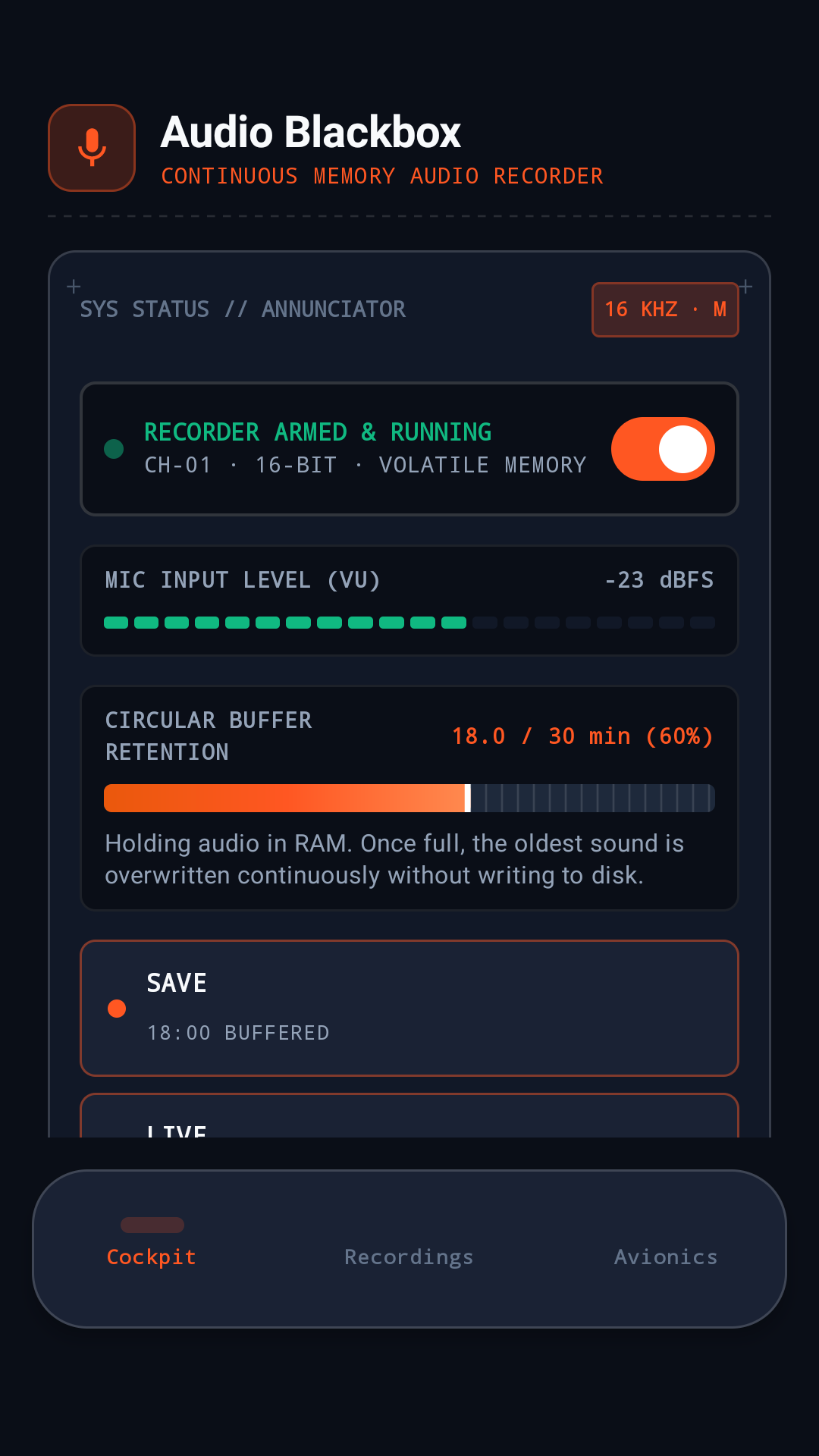
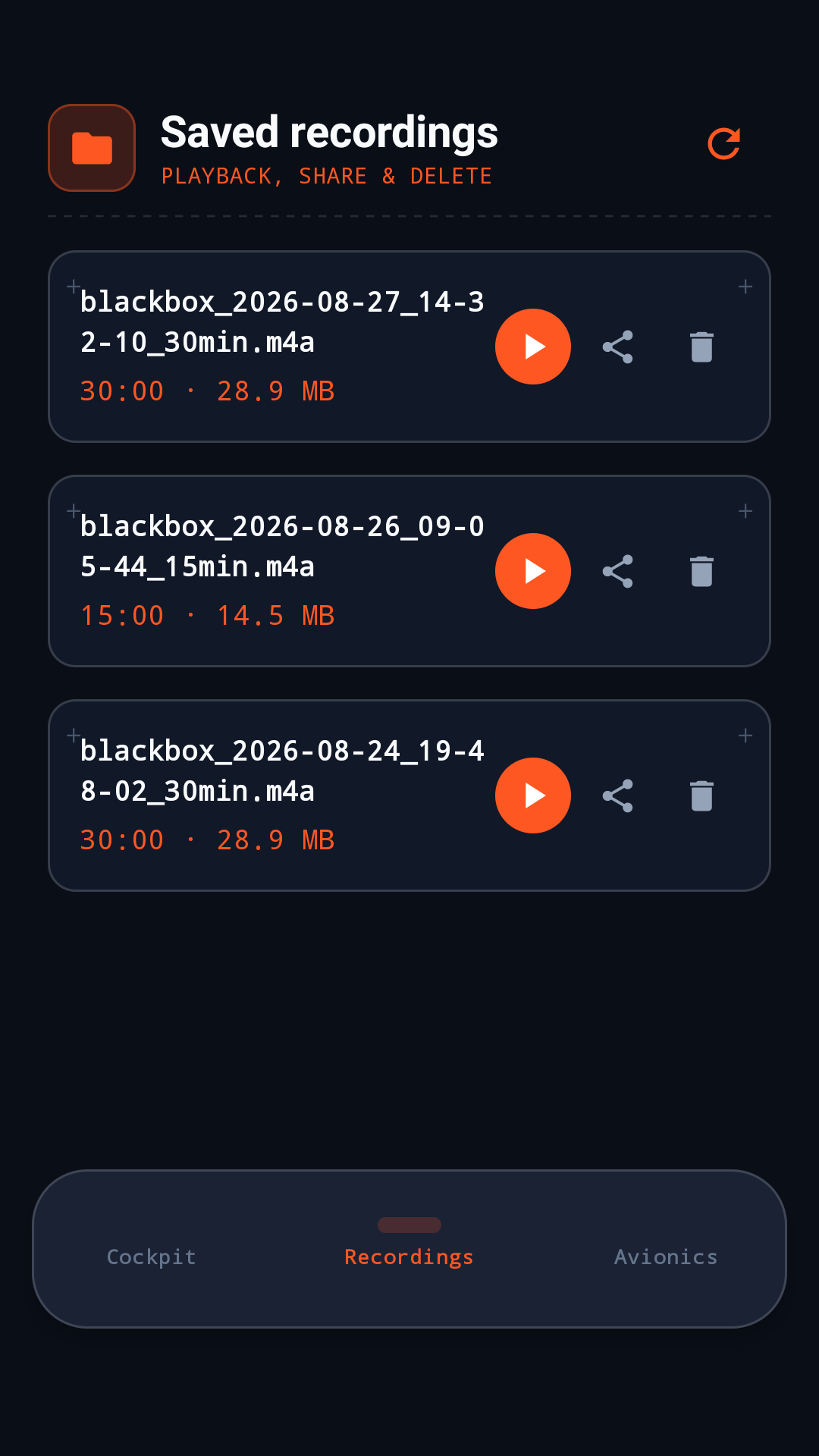
Yes. Audio Blackbox keeps the last minutes of sound in your phone's RAM while its notification is showing. The buffer is at least 5 minutes, set in 5-minute steps, and can be longer: the app computes the maximum on your phone from the memory it can safely use and the quality preset you pick. Tap Save and the buffered audio since your last save (the whole buffer the first time) becomes a local .m4a (AAC) file.
How can I save audio from before I pressed record?
A normal recorder cannot do this, because it only starts capturing when you press record. With Audio Blackbox, you turn on continuous recording once and it keeps the most recent minutes in a rolling RAM buffer, replacing the oldest audio with the newest. When something worth keeping just happened, tap Save to write those minutes to a file. Nothing is written to storage until you tap Save.
What is a retroactive or always-on buffer recorder?
It is a recorder that keeps capturing into a fixed-size memory buffer, so you can save what was already said instead of only what comes after you press record. Audio Blackbox works this way on Android: it runs as a foreground service with a persistent notification, holds the last minutes of audio in RAM, and discards the oldest audio as new audio arrives. Save exports the buffered audio, and Live keeps the buffered past and continues recording until you stop it.
How long is the audio buffer, and how much RAM does it use?
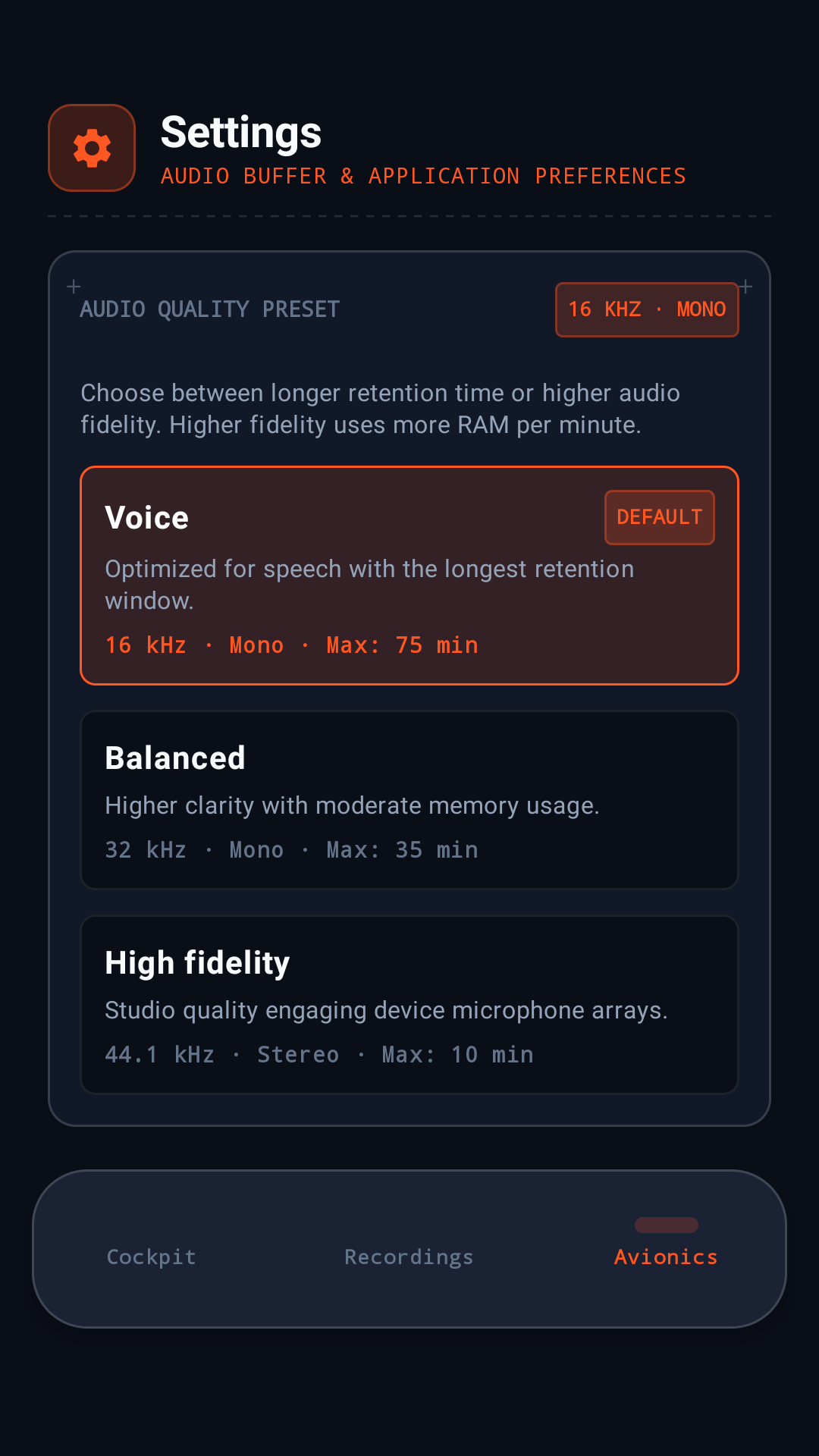
At least 5 minutes, adjustable in 5-minute steps. There is no fixed maximum: the app computes the ceiling on your phone from the memory it can safely use and the quality preset you pick, and shows it in Settings. At the default Voice preset (16,000 Hz mono) each minute takes about 1.8 MB of RAM, so 30 minutes is about 55 MB. Balanced (32,000 Hz mono) uses twice that per minute and High fidelity (44,100 Hz stereo) about 5.5 times, so the same phone holds a shorter buffer at higher quality. The calculator in the Memory Architecture section of this page shows the RAM for any window and preset.
Does Audio Blackbox upload anything, or does it need an internet connection?
No. The INTERNET permission is strictly absent from the app's Android manifest, so it cannot send telemetry, ping analytics, or upload sound. The app never uploads anything: audio is kept in volatile RAM until you save it, then written to your phone's Recordings/Blackbox folder (Music/Blackbox on Android 10 and 11), where you control it.
Does it keep recording when the screen is off?
Yes. Audio Blackbox runs as a foreground service with a persistent notification, and it includes a guided flow to bypass manufacturer battery optimization, so capture continues uninterrupted with the screen locked.
Does an always-on recorder drain the battery?
Audio Blackbox was measured on a Samsung Galaxy S25 recording continuously at the Voice preset: with the screen off it used about 1.0% to 1.5% of the battery per hour and under 1% CPU, with no disk writes while buffering. Other phones and settings will give different numbers.
Is Audio Blackbox free and open source?
Yes. It is free and licensed under the GNU General Public License v3.0, with the full source code published on GitHub.
Is there a free, open-source alternative to retroactive recorder apps on Android?
Yes. Audio Blackbox is free on Google Play. The app has no account and no ads, and contains no analytics or trackers. It is licensed under the GNU General Public License v3.0 and its full source code is on GitHub, so anyone can check how the buffer and the save path work, and confirm that the manifest has no INTERNET permission.
What Android versions are supported?
Android 10 (API level 29) and newer.
How do I get Audio Blackbox?
Audio Blackbox is free on Google Play. Open its Play Store listing on your Android device and tap Install; the link is in the Download section of this page.
How is Audio Blackbox different from Google Recorder or a normal voice recorder app?
A normal recorder only captures audio after you press record, so anything said before that moment is lost. Audio Blackbox keeps recording continuously into a rolling RAM buffer and only writes to storage when you tap Save, so you can save the last minutes of something that already happened. Nothing is written to disk until you decide to save it, and the app never uploads anything.
Is there an audio dashcam app for Android?
Yes. Audio Blackbox works like a dashcam for sound: it keeps the last minutes in a rolling RAM buffer and writes them to a file only when you tap Save, so you can keep what happened just before. Unlike a hidden recorder, it always shows a notification while it is recording. Recording other people may require their consent, so check your local laws.
Can I recover a quote or a lecture explanation I forgot to record?
If Audio Blackbox was running, yes. Tap Save and the buffered minutes (at least 5, up to what your phone can hold) are written to an .m4a file, even though you never pressed record. Journalists can use it as a backup to their main recorder, and students can keep an explanation they just missed in classes where recording is allowed.
Can Audio Blackbox help me remember spoken instructions?
It can work as a memory aid. If you just heard directions, instructions or details and lost track of them, save the last minutes and replay them in the built-in player. This can help anyone who often loses track of spoken information, for example people with ADHD. Audio Blackbox is not a medical device.
Is it legal to record with Audio Blackbox?
It depends on where you are. Use Audio Blackbox for your own conversations and ideas. Recording other people may require their consent, and the rules differ between countries and states. Check your local recording laws before you record; you are responsible for how you use the app.